
Home Microsoft Customer Engagement
Microsoft Dynamics 365

Every team sees the same customer.

Sales, service, field operations, and marketing on one record — so the customer stops repeating themselves and your teams stop guessing.

4 appsONE CUSTOMER RECORD
OmnichannelVOICE · CHAT · SMS · SOCIAL
Agent-readyAI THAT ACTS, NOT JUST ANSWERS
Scoring updates in real time
Grounded in your own data
Contoso ManufacturingOPPORTUNITY · ₹48,00,000 · RENEWAL + EXPANSION
SCORING
LeadQUALIFY
DiscoverNEEDS
ProposeQUOTE
CloseWON
WIN PROBABILITY22%
Two support cases closed last month — renewal risk low SERVICE
New operations director joined — add to stakeholder map SIGNAL
Quote drafted from ERP price list — ready to send ACTION
Best time to call this contact — Tuesday, 10–11am NEXT BEST
DAYS IN STAGE31
ENGAGEMENTLow
FORECASTAt risk
ONE CUSTOMER · FOUR TEAMS · ONE RECORD
Lead arrivesWeb form, event, referral MARKETING
Deal workedScored, quoted, closed SALES
Order fulfilledPriced from the ERP OPERATIONS
Engineer visitsFull history on their phone FIELD SERVICE
RenewalNobody starts from scratch CUSTOMER SERVICE
The Apps

Four applications. Start with one.

You don't have to buy the suite — most clients start with Sales or Customer Service and add the rest once the first is genuinely used.
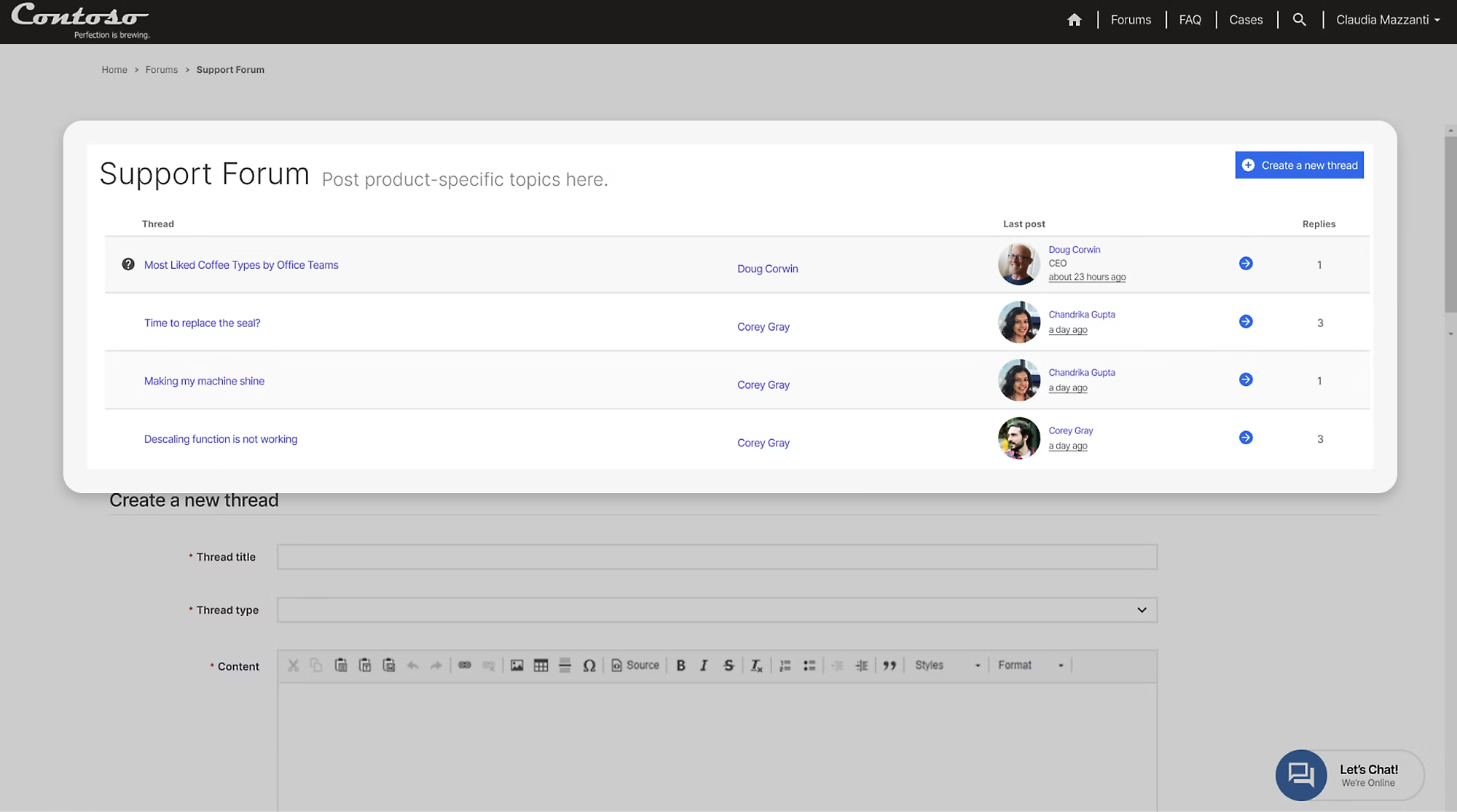
CRM SCREENSHOT · SALES PIPELINE
+31%FORECAST ACCURACY

Dynamics 365 Sales

Pipeline management with scoring that reflects real engagement — not whatever the rep felt like typing on a Friday.
  • ML-driven lead and opportunity scoring
  • Predictive forecasting built on history, not optimism
  • Quotes priced from your ERP, so they're never wrong
We build: sales process design, scoring configuration, forecast hierarchies, quote-to-order integration.
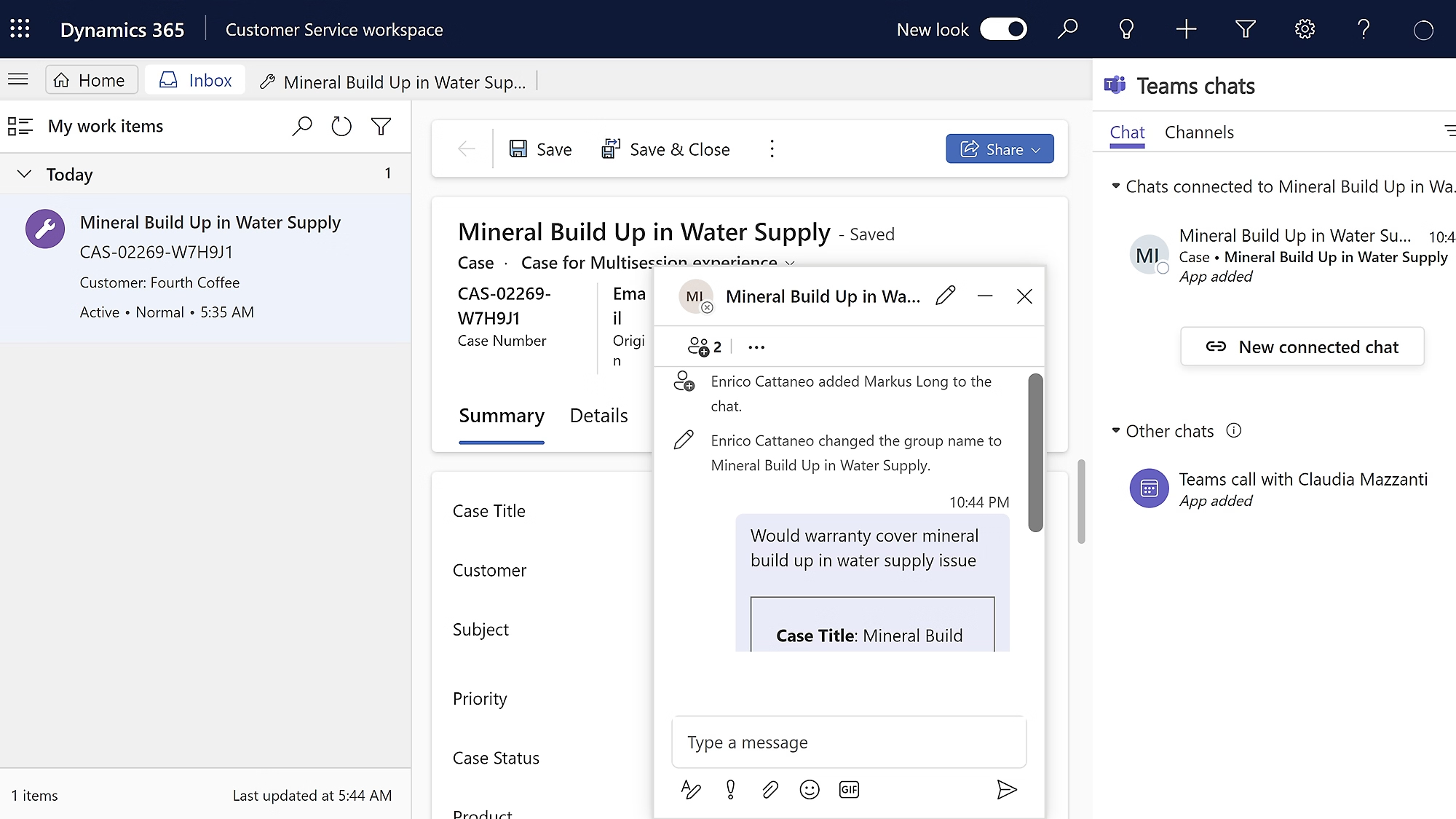
CRM SCREENSHOT · AGENT WORKSPACE
<2 minAVG FIRST RESPONSE

Dynamics 365 Customer Service

One workspace where an agent handles voice, chat, SMS, WhatsApp and social without losing the thread mid-conversation.
  • Routing on skill and capacity, not first-come
  • SLA clocks with escalation that actually fires
  • Knowledge surfaced in context and via self-service
We build: case lifecycles, routing rules, SLA definitions, self-service portals.
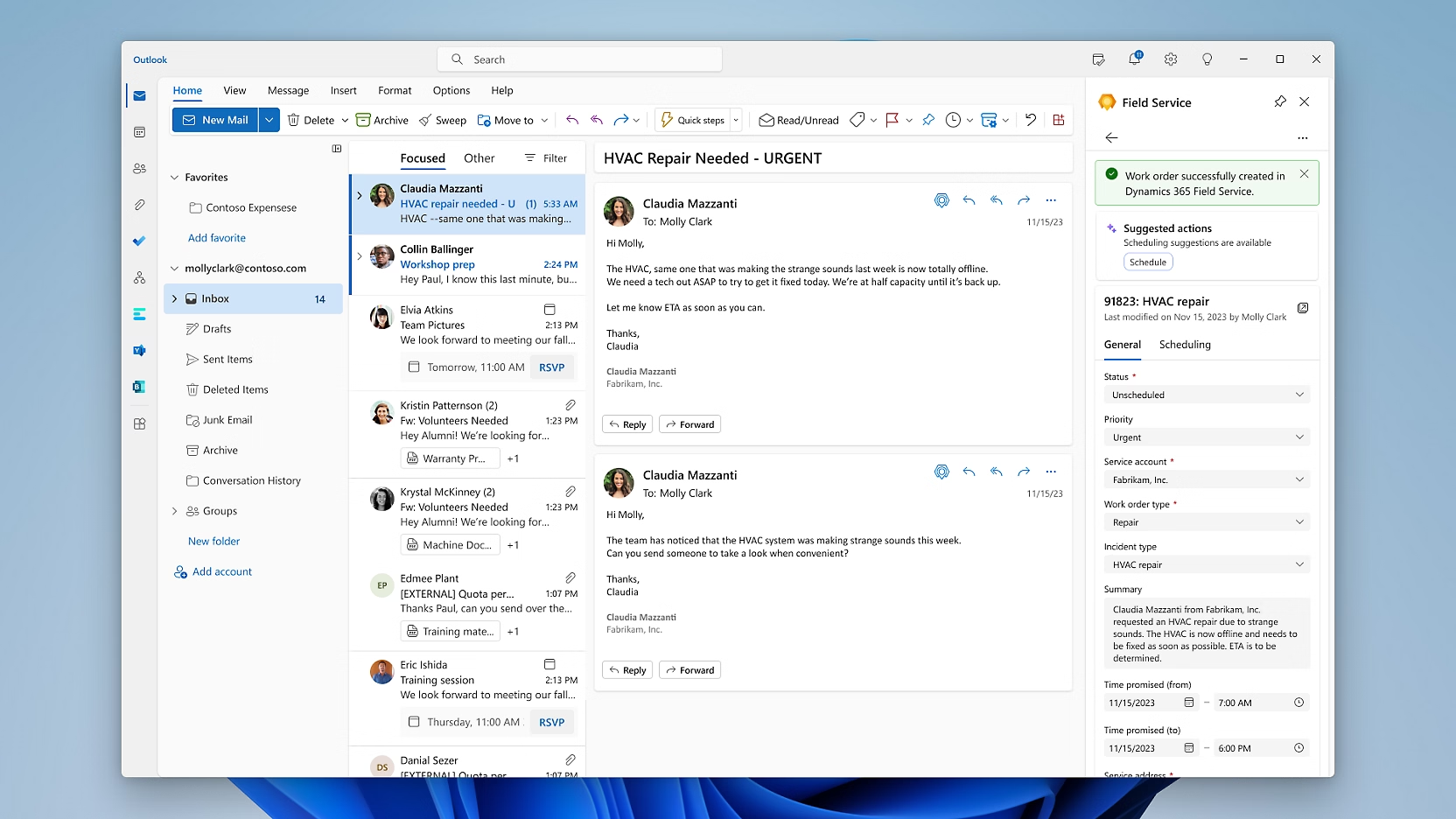
CRM SCREENSHOT · DISPATCH BOARD
−24%SECOND VISITS

Dynamics 365 Field Service

The right engineer, at the right site, with the right part — and the full asset history already on their phone.
  • Scheduling optimised by skill, travel time and SLA
  • Mobile app that survives having no signal
  • IoT-triggered work orders before equipment fails
We build: work order types, scheduling rules, mobile checklists, asset hierarchies.
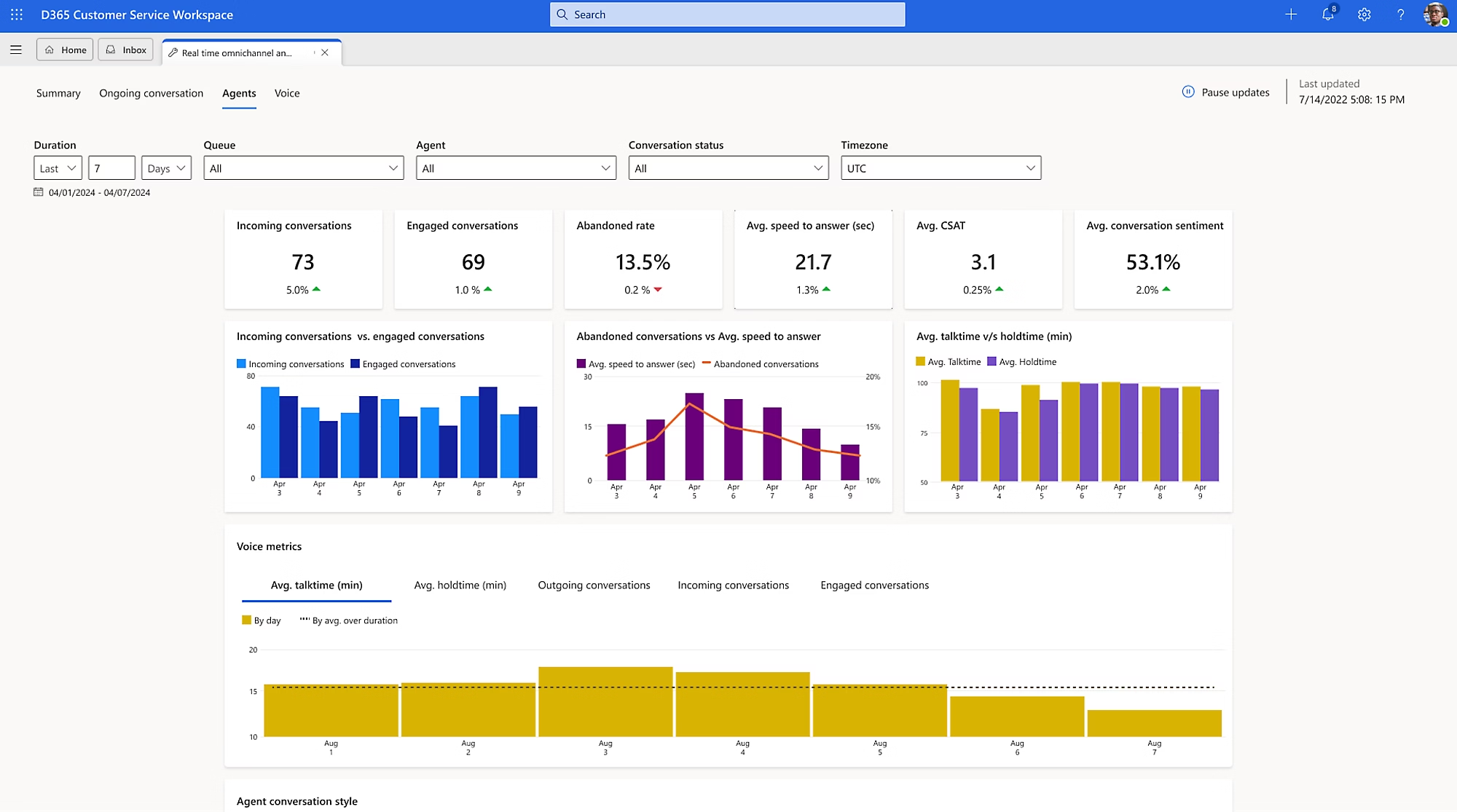
CRM SCREENSHOT · UNIFIED PROFILE
1 recordPER CUSTOMER

Dynamics 365 Customer Insights

The intelligence layer under the other three — unifying fragmented data into one profile, then orchestrating journeys off real behaviour.

  • CRM, web, ERP and support resolved into one customer
  • Churn risk and lifetime value from prebuilt models
  • Journeys triggered by what someone did, not the calendar
We build: data unification and matching rules, segment strategy, journey design.
Agents & Copilot

Copilot suggests. Agents act.

Three we deploy most often — and what they actually do when nobody's watching.

Sales QualificationAUTONOMOUS AGENT
New inbound lead — Contoso Manufacturing, 400 employees.
Researched the account. Asked three qualifying questions. Budget confirmed, timeline Q3. Routing to Priya.
LEAD QUALIFIED · 4 MIN
Customer AssistSERVICE AGENT
Where's my order? Placed it Tuesday.
Order #4471 shipped this morning, arriving Thursday. Tracking link sent.
RESOLVED · NO HUMAN NEEDED
Quality AssuranceREVIEW AGENT
Review yesterday's 340 support calls.
All 340 scored for tone, compliance and resolution. 6 flagged for coaching.
100% REVIEWED · NOT A SAMPLE
Our honest position on agents

They're genuinely useful and genuinely capable of embarrassing you in front of a customer. We deploy narrowly first — one intent, clear escalation, a human reviewing transcripts — and widen only once behaviour is proven. Anyone promising to automate your whole contact centre in six weeks is selling you a support problem.

Connected to Your ERP

Where CRM stops and the ledger starts.

Most CRM disappointment lives in the seam between front office and back office. If you run Business Central or F&O, that seam disappears.

CRM
OpportunityQualified and scored
CRM
QuoteLive ERP pricing applied
ERP
OrderCreated automatically
ERP
Fulfil & invoiceStock, shipping, ledger
CRM
Service & renewalHistory back in CRM
Quotes are never wrongPriced from the live list, not a copy that went stale in March.
Stock visible while sellingReps stop promising dates they can't hold.
Credit status on the recordNobody discounts a renewal for an account that hasn't paid.
No re-keying at handoverWon deal becomes a sales order. No transcription errors.
Straight Talk

Why CRM projects fail.

Worst adoption record of any enterprise software category — and it's almost never the technology. Open each one to see what we do instead.

01

It's built as a management reporting tool

Twenty mandatory fields exist because a director wanted a chart. Sellers see pure overhead with nothing back, fill it in badly on a Friday — and the chart is wrong anyway.

We design for the seller first. If a field doesn't help the person entering it, it needs a very good reason to exist.
02

The data was migrated dirty

Duplicate accounts, contacts who left three years ago, dead email addresses. Users hit that in week one, conclude the system can't be trusted, and quietly go back to their spreadsheet.

We profile and cleanse before migrating — and we'd rather move less data that's correct than everything that isn't.
03

Everything launched at once

Sales, service, field and marketing all go live on one date. Four teams are simultaneously confused, support is overwhelmed, and it's judged a failure before any of it settles.

One team live and genuinely using it, then the next. Slower on paper, faster to actual value.
04

Nobody owned it after go-live

The partner left, the internal champion changed role, and eighteen months later it's full of stale records with three competing ways to log the same thing.

We name an internal owner during design and train them properly — the goal is you not needing us for routine changes.
What We Do

Where Sharpsys comes in.

Configuring Dynamics is the easy half. Process design, data quality and adoption decide whether it works.

01

Implementation

Starting from how your teams actually sell today, not a demo script. First phase covers one team properly.

02

Legacy CRM migration

Off Salesforce, Zoho or on-prem Dynamics without importing a decade of accumulated mess.

03

ERP integration

Quote-to-order, price list sync, credit status on the record — so front and back office agree.

04

Adoption & support

The part most partners skip. Role-based training, adoption measurement, internal admin enablement.

Next Step

Tell us where the handoff breaks.

A working session with a Dynamics CRM consultant — what standard covers, what needs building, and an honest view of what adoption will take.

See all Microsoft solutions